 Share on Facebook
 Share on LinkedIn
 Share on Twitter

AcuPower Blog | AcuPower
9 min read
Acumatica 2026 R2 adds a subcontractor portal, parent and child projects, tighter change orders and better cost forecasts. Here’s what each one changes for your project managers, your finance team and your compliance staff.
Table of Contents:
From subcontractor to draw request
Subcontractor compliance: the Vendor Portal and Construction Exchange
Costs, branches and reclassification
Forecasting and progress billing
What it means for your project managers, controllers and compliance team
From subcontractor to draw request
A construction job depends on paperwork that has to be right before money moves. Is the subcontractor insured? Does the commitment match what the owner approved? Which branch carries the cost? When those answers sit in different files, you find the gap just before a draw request.
Acumatica 2026 R2 brings more of that into the project record. It adds a Vendor Portal for subcontractors, parent and child projects, tighter change orders, monthly cost forecasting and new dashboards. This article walks through each change and what it means for the people who use it.
Most of the project features here also suit project-based services firms, because the Construction and Professional Services editions share them.
Construction is one part of a wider release. For the rest, including the AI Assistant, MCP and the Modern UI, read our overview of everything new in Acumatica 2026 R2.
Subcontractor compliance: the Vendor Portal and Construction Exchange
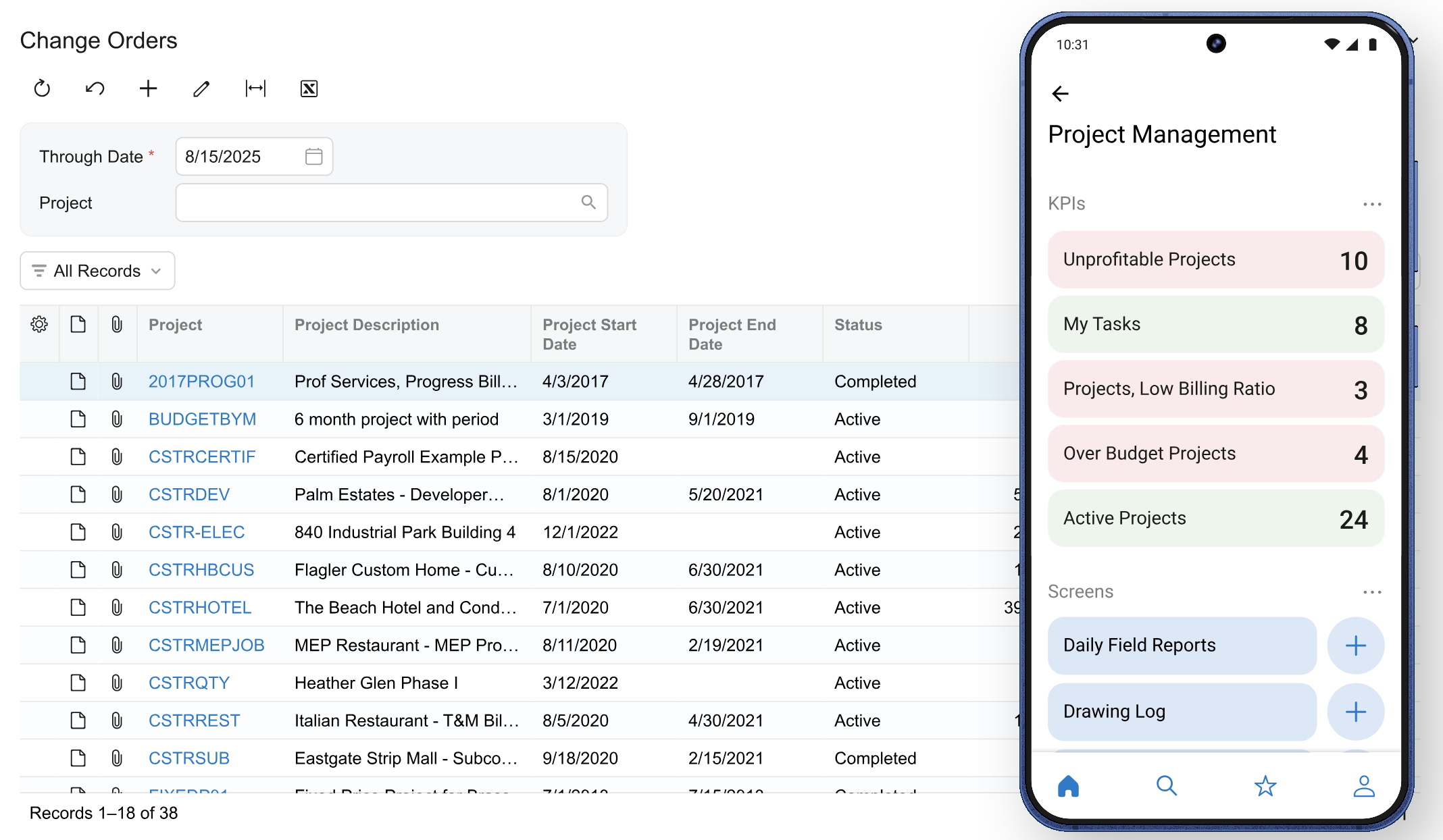
The Vendor Portal is new in 2026 R2. Subcontractors and vendors get self-service access to their subcontracts, purchase orders and compliance documents. They can submit documents and track their status. Acumatica calls it the first step towards a wider Construction Exchange.
Your compliance manager sets a requirement once. For example, a certificate of insurance for every electrical subcontractor. It then applies to every matching subcontract.
Subcontractors sign in to their own portal. They see what’s outstanding and which documents expire within 30 days, and they upload certificates there. When your compliance manager verifies a document, the subcontract moves from Pending Documents to Open. The system keeps a record of who is compliant and when.
Lien waivers, safety certificates and tax documents are said to go through the portal too, and an expired or failed document is said to place a hold on the vendor’s payments.
For your compliance team, the gain is less chasing by email. For your project managers, it’s a clear view of which subcontracts are still waiting on documents.
The portal is early. One partner describes it as experimental and available by request in production instances, and says it will grow in later releases. We come back to that under ‘What to weigh up’.
Parent and child projects
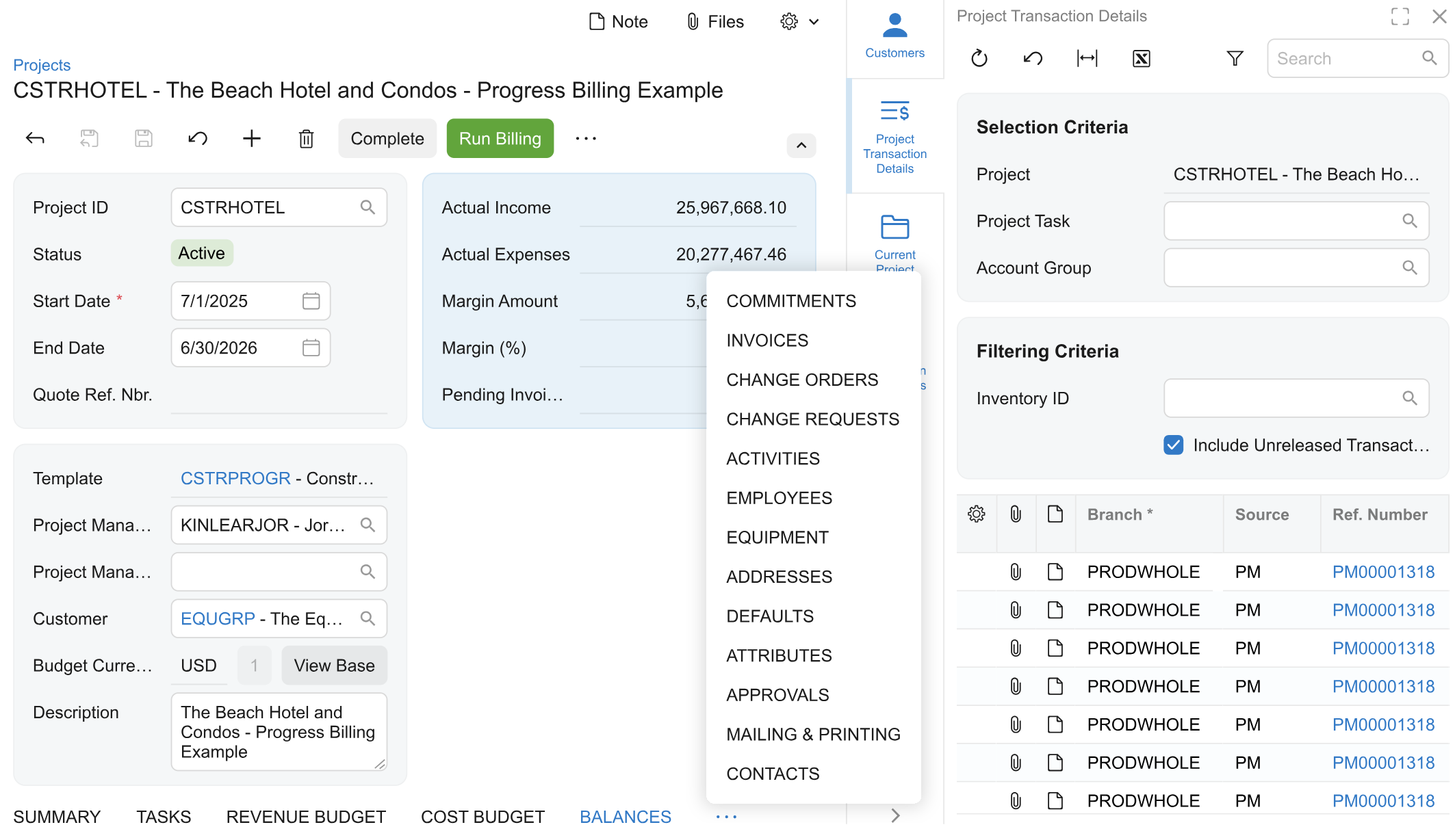
Parent and child projects are new in 2026 R2. Take a tower build. The tower is the parent. Shell and core, and tenant improvements, are child projects beneath it. Phases, buildings or sites can work the same way.
Each child has its own budget, billing and manager. You get one view across the whole job, and you can click through to either child.
A rollup rule maps each child’s cost codes and account groups to the parent. Once it’s set, transactions post and roll up on their own. No re-entry and no double-counting.
You choose how billing runs. It can go through the parent for all child work, or each child can bill on its own while the parent consolidates the data for reporting.
For the project manager, the gain is that each phase has an owner and a budget, and the parent still shows the whole job.
Change orders and commitments
Three changes tighten the link between owner approvals and your commitments.
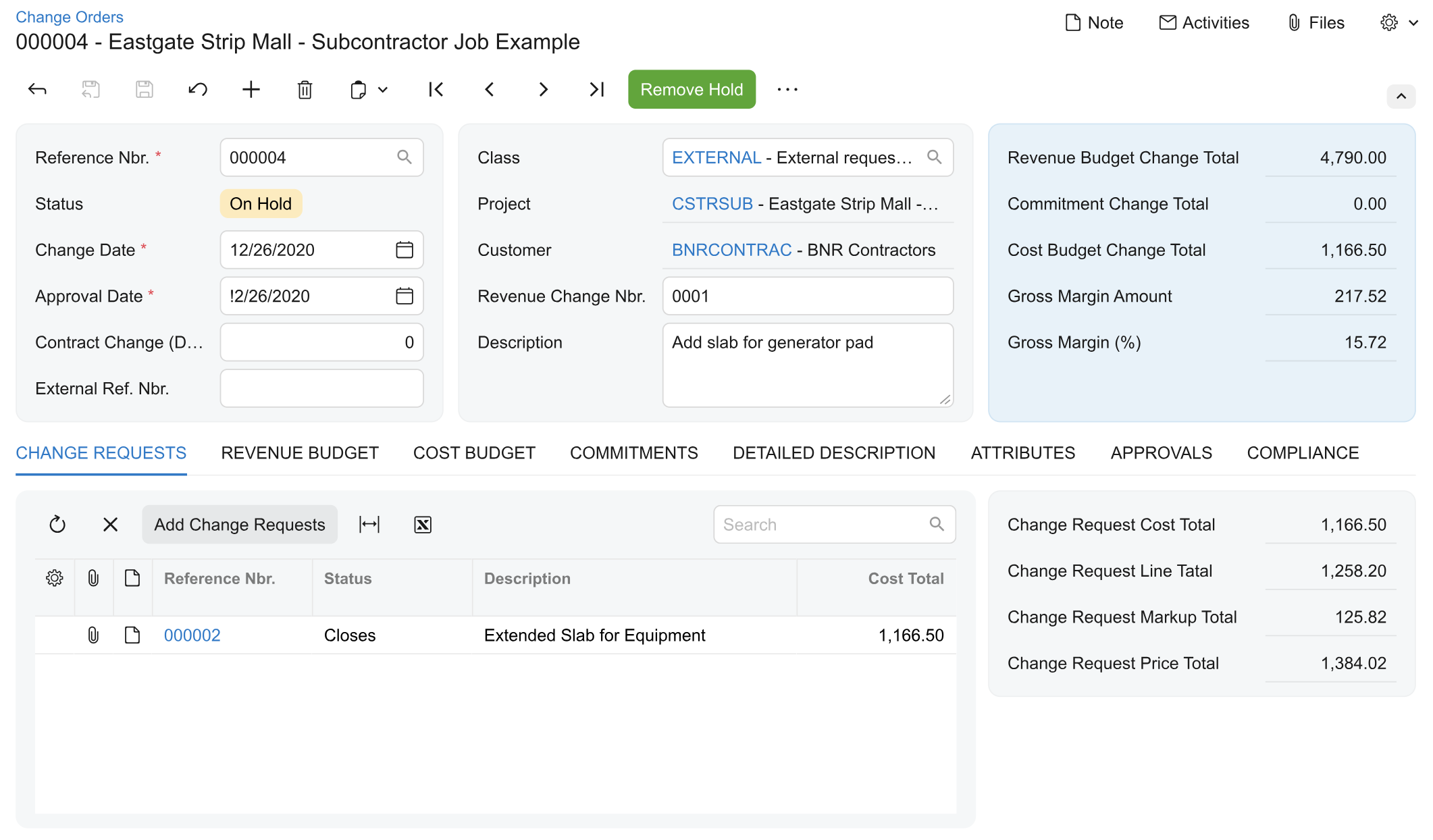
Commitments on change requests. Attach an existing purchase order or subcontract to a change request before a change order exists. Estimation lines can take unit prices from unit costs plus markups, or from inventory sales prices.
Tax before the change order. A change request shows the calculated tax up front. On projects that use progress billing, change orders show how much has been billed and how much is still pending.
Approvals that update the commitment. A project manager ties a change to an existing subcontract. On approval, the commitment updates with the right tax and pricing. Reversed change orders also show correctly in the AIA summary, which helps you build clean AIA packages before a draw request.
For the project manager, the gain is commitments that move with each approval.
Costs, branches and reclassification
Four changes help your finance team keep project costs in the right place.
Project branch alignment. Costs from expense receipts, time cards, time activities and equipment time post under the project’s branch. Liabilities stay with the employee’s branch. An administrator chooses whether the system inserts the project branch automatically, warns about a mismatch or blocks the release.
Reclassify Project Transactions. A new form finds eligible project transactions and updates their project, task or accounting details. You don’t have to reverse and recreate each entry.
Project material transfers. Create a transfer from the project material list to move goods between warehouses or locations before work begins. The project, task and cost code carry forward.
Budget line details. Budget lines created from change orders, change requests and project transactions copy the description, unit of measure and unit rate from their source.
Shared labour, equipment and overheads may also be spread across branches by rule, with intercompany journals that balance on their own.
For the controller, the gain is fewer manual corrections.
Forecasting and progress billing
Two changes help you see where a job is heading and bill it on recorded facts.
Monthly cost forecasting. A new form spreads projected costs across calendar months using front-loaded, back-loaded, bell or linear S-curve patterns. It then compares baseline, projected and actual costs month by month.
Progress worksheets with quantities. Completed quantities on revenue budget lines, and quantities recorded on cost budget lines, produce a recommended completion percentage. You can base it on work completed for the customer, or on the quantities used to do the work.
For the project manager and the controller, the gain is a forecast and a completion figure that rest on recorded quantities and costs.
Dashboards and margin
The dashboards in 2026 R2 show work in process, profitability, committed and forecast costs, and variance against plan. You can filter them to a single project, and they stay current as transactions post.
Over- and under-billing by percentage of completion, margin drift alerts against the original margin, and layouts for executives, project managers and controllers are also said to be part of the release.
For the controller, the gain is a project view that doesn’t wait for month-end.
AI for projects
The AI Assistant answers project questions in plain language, from live data. For example, a compliance manager can ask which subcontracts still have open compliance documents. It can also answer job cost questions.
The assistant is also said to read uploaded insurance PDFs, pull out expiry dates and limits, and alert project managers before a subcontractor arrives with a lapsed policy. It’s said to compare percentage complete with burn rate to flag cost overruns early, too.
The assistant answers from your data, so it’s only as good as that data. Clean cost codes, correct dates and complete subcontract records matter more once anyone can ask questions about them.
AI agents that act on events are further out. Acumatica describes them as its direction, not a feature you can switch on today. We explain what ships now and what comes next in the main article.
What it means for your project managers, controllers and compliance team
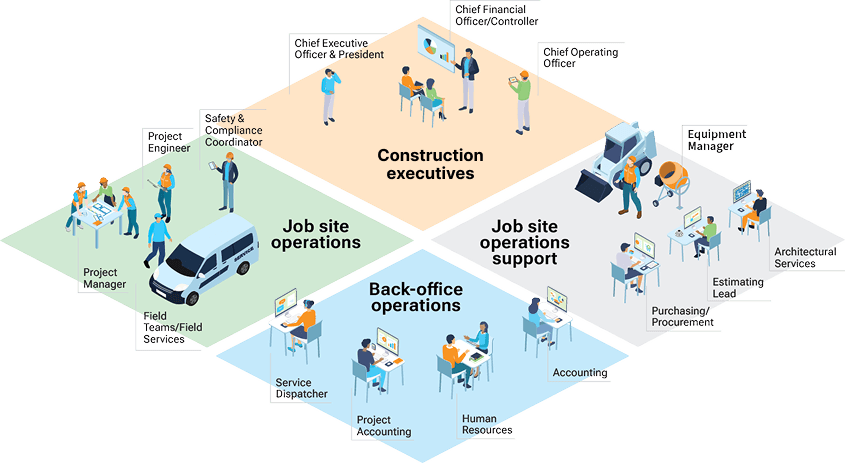
Project managers. Parent and child projects give each phase its own budget and billing. Change requests carry commitments and tax before the change order exists.
Controllers. Branch alignment, the reclassify form and monthly forecasts help you keep costs in the right place and see where a job is heading.
Compliance team. Requirements are set once and apply to every matching subcontract. Subcontractors upload their own documents, and you see what’s outstanding and what’s about to expire.
What to weigh up
The portal is early. One partner describes it as experimental and available by request in production instances. Confirm it’s available for your instance before you plan around it.
Define your compliance requirements first. The portal applies the requirement you set. Decide which documents each type of subcontractor must provide.
Decide who verifies documents. A subcontract moves from Pending Documents to Open when a compliance manager verifies the document. Someone has to own that step.
Rollup rules need mapping. Each child project’s cost codes and account groups have to map to the parent before costs roll up cleanly.
Choose your branch policy. Decide whether the system inserts the project branch automatically, warns about a mismatch or blocks the release, and agree it before go-live.
Start with a few subcontractors. Try the portal on a small group before you roll it out to every trade.
Check what applies where you operate. Some features and forms, including AIA billing, follow regional standards. Confirm what fits your projects.
Key takeaways
Subcontractor compliance moves into a portal. You set a requirement once, subcontractors upload their own documents and the subcontract opens when a compliance manager verifies them. The portal is early.
Big jobs get a proper structure. Parent and child projects give each phase its own budget, billing and manager, and rollup rules keep the parent in step.
Change orders follow your commitments. You attach commitments to change requests, see tax before the change order exists, and update the commitment when a change is approved.
Costs are easier to place and to forecast. Branch alignment, the reclassify form, S-curve forecasting and quantity-based progress worksheets cover where costs sit and where the job is heading.
Dashboards and the AI Assistant show project health sooner. You see work in process, profitability, committed and forecast costs, and you can ask the AI Assistant about compliance in plain language.
Thinking about moving to 2026 R2?
Start with our guide, Upgrading to Acumatica 2026 R2: what you gain and what to check first. It covers what has changed, the Classic UI retirement and what to look at before you move.
Then, if you want to talk it through:
AcuPower customers
Book a Call – UK, Europe & South Africa
Acumatica partners short on capacity
Book a Call – UK, Europe & South Africa
If you use Acumatica through another partner, ask them about upgrading to 2026 R2.
Comments (0)
No comments yet
Be the first to comment

 101
101