 Share on Facebook
 Share on LinkedIn
 Share on Twitter

AcuPower Blog | AcuPower
8 min read
Acumatica 2026 R2 gives distributors promise dates they can keep, more flexible picking and fewer surprises at shipping. Here’s what each change means for your sales desk, your warehouse and your buyers.
Table of Contents:
Available-to-promise: dates you can keep
Warehouse picking: more ways to pick
Inbound containers and landed cost
What it means for your sales desk, warehouse and purchasing
From quote to delivery
A distributor’s day runs on three promises: what’s in stock, when it ships and what it costs to get it there. When those answers sit in different places, someone makes a call on a guess. You find out when a customer rings to ask where their order is.
Acumatica 2026 R2 puts more of that chain in one system. It adds available-to-promise dates, new ways to pick, better carrier tools and tighter control over purchasing. This article walks through each change and what it means for the people who use it.
Distribution is one part of a wider release. For the rest, including the AI Assistant, MCP and the Modern UI, read our overview of everything new in Acumatica 2026 R2.
Available-to-promise: dates you can keep
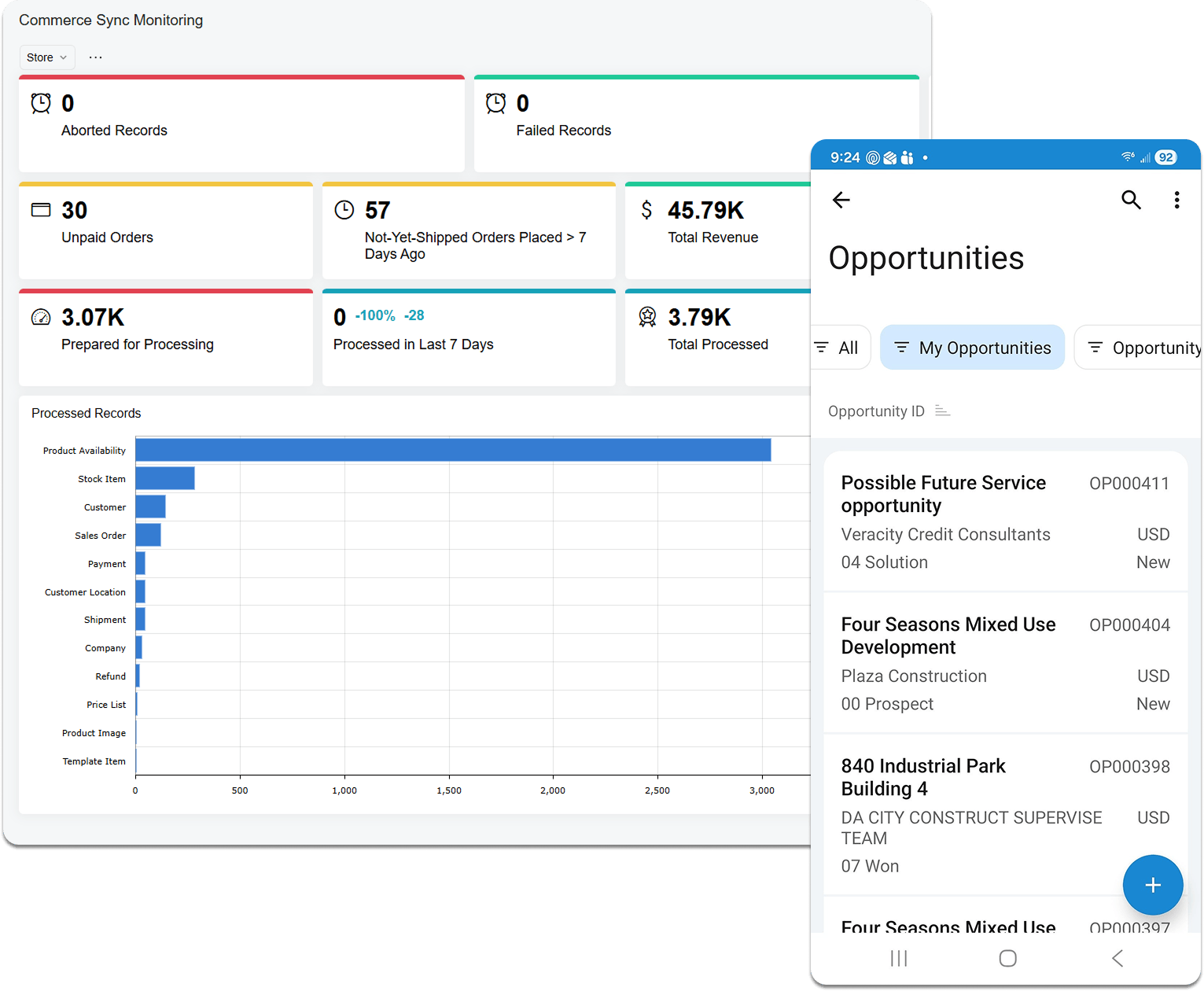
Available-to-promise (ATP) is new in 2026 R2. It looks ahead at future supply and demand and works out when stock will be there. Sales reps see the result on the sales order line, so they can commit to a ship date they can keep.
The look-ahead horizon is configurable, and it’s 90 days by default. You can keep safety stock out of the quantity you promise, so the buffer you hold doesn’t get sold. You can also calculate ATP in bulk, not only order by order.
Reps get help earlier too. On quotes and opportunities, they see on-hand, available and available-for-shipping quantities for each line as they work.
ATP can also use how long vendors really take to deliver, based on past performance and transit times, not only the lead time on the vendor record.
For the sales desk, the gain is a ship date that doesn’t depend on a manual stock check. The date rests on your supply and demand, so it’s one you can defend.
Multi-warehouse allocation
If you hold stock in more than one warehouse, 2026 R2 adds rules for where an order is filled from. You can route orders by customer proximity, stock level or fulfilment cost.
Split-shipment and backorder rules can run automatically. A line that can’t be filled from one site can be split across sites or consolidated, depending on the rule you set.
Safety stock alerts tell you when filling an order would eat into a site’s buffer. They can also recommend a transfer from a warehouse that has surplus.
Warehouse picking: more ways to pick
2026 R2 gives your pickers more ways to work, so you can choose what fits how your stock moves.
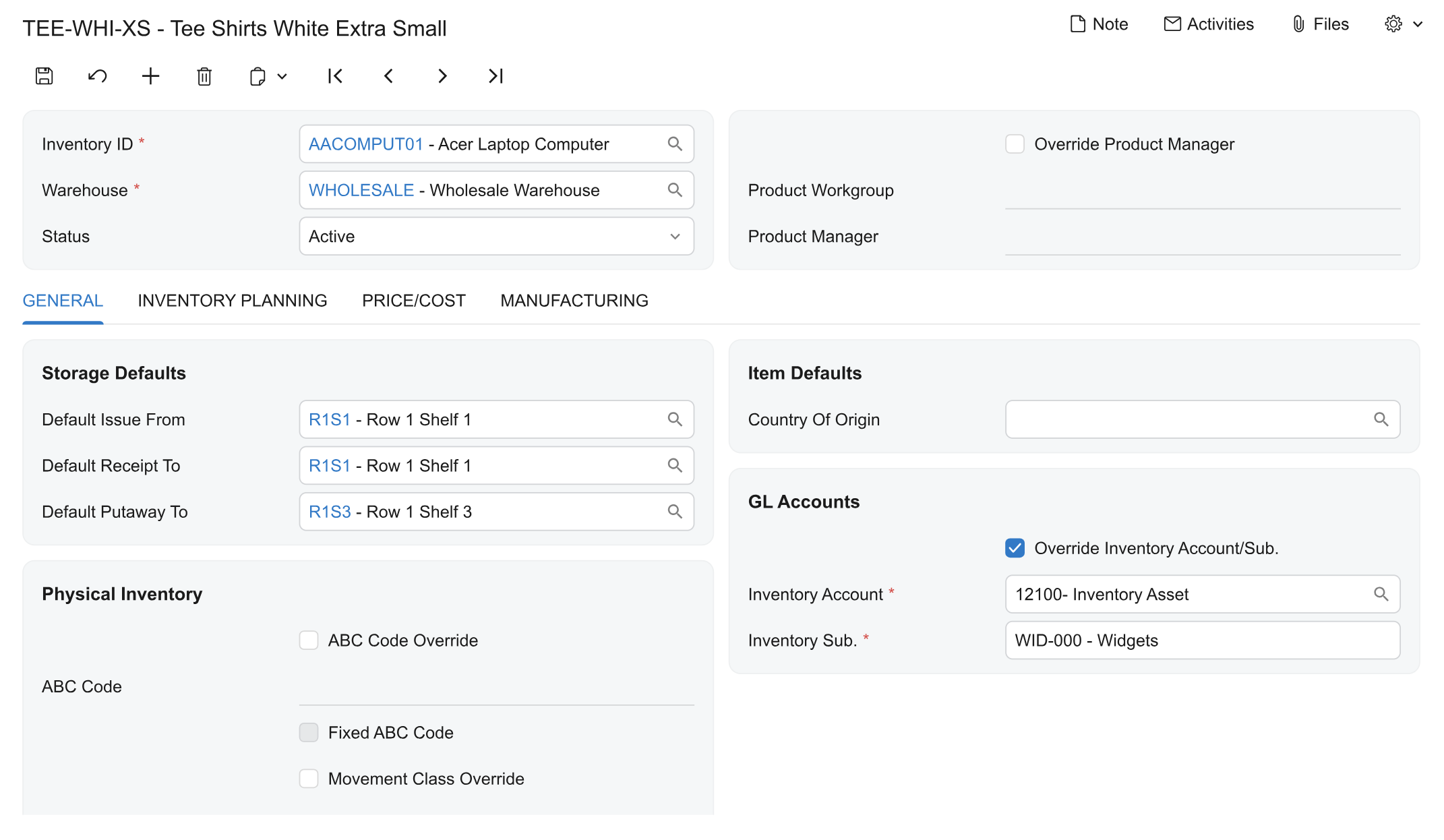
Handling units and zones. Set a unit of measure as pallet, case or each, and link warehouse locations to zones. Picking strategies then split demand across them automatically.
Quantity entry after every scan. The picker has to key in a quantity each time, and you set this per warehouse operation. It adds a step, so use it where accuracy matters more than speed.
Paperless picking in any order. Experienced pickers can pick in the order they choose, while the queue and progress tracking stay in place.
Clear Picker. Take a pick list off one picker and return it to the queue without losing what’s already been picked. The next picker confirms the totes.
Pick lists for purchase returns. Print one for vendor returns, and optionally verify it before it’s released.
The setup matters. Strategies depend on handling units and zones being defined first, and we come back to that under ‘What to weigh up’.
Shipping and carriers
Three changes help at the dispatch desk.
Rate shopping. The redesigned Shop for Rates window lists the least expensive carrier service first.
Address checks. With EasyPost, you can compare a suggested address correction with the original before the label is requested.
EDI shipment settings. For Pacejet, shipments can store the bill of lading number and the planned delivery date and time.
Purchasing and replenishment
Vendor approvals. New or changed vendors stay in a pending status until someone approves them. Until then, they can’t be used on purchasing or AP documents. That puts a check in front of any change to a vendor record.
Safety stock and reorder points, planned separately. MRP and DRP now plan safety stock and reorder points as separate methods. That includes Min./Max. and fixed reorder quantity options.
In plain terms, you can decide how much buffer to hold and when to reorder as two separate choices. You can also replenish up to a maximum, or in consistent batch sizes, depending on the item.
Reorder points that adjust. Reorder points can follow sales speed, seasonality and supplier lead times. Acumatica drafts purchase orders and transfer requests when stock crosses a threshold. Planners review and approve them in bulk from one dashboard.
Inbound containers and landed cost
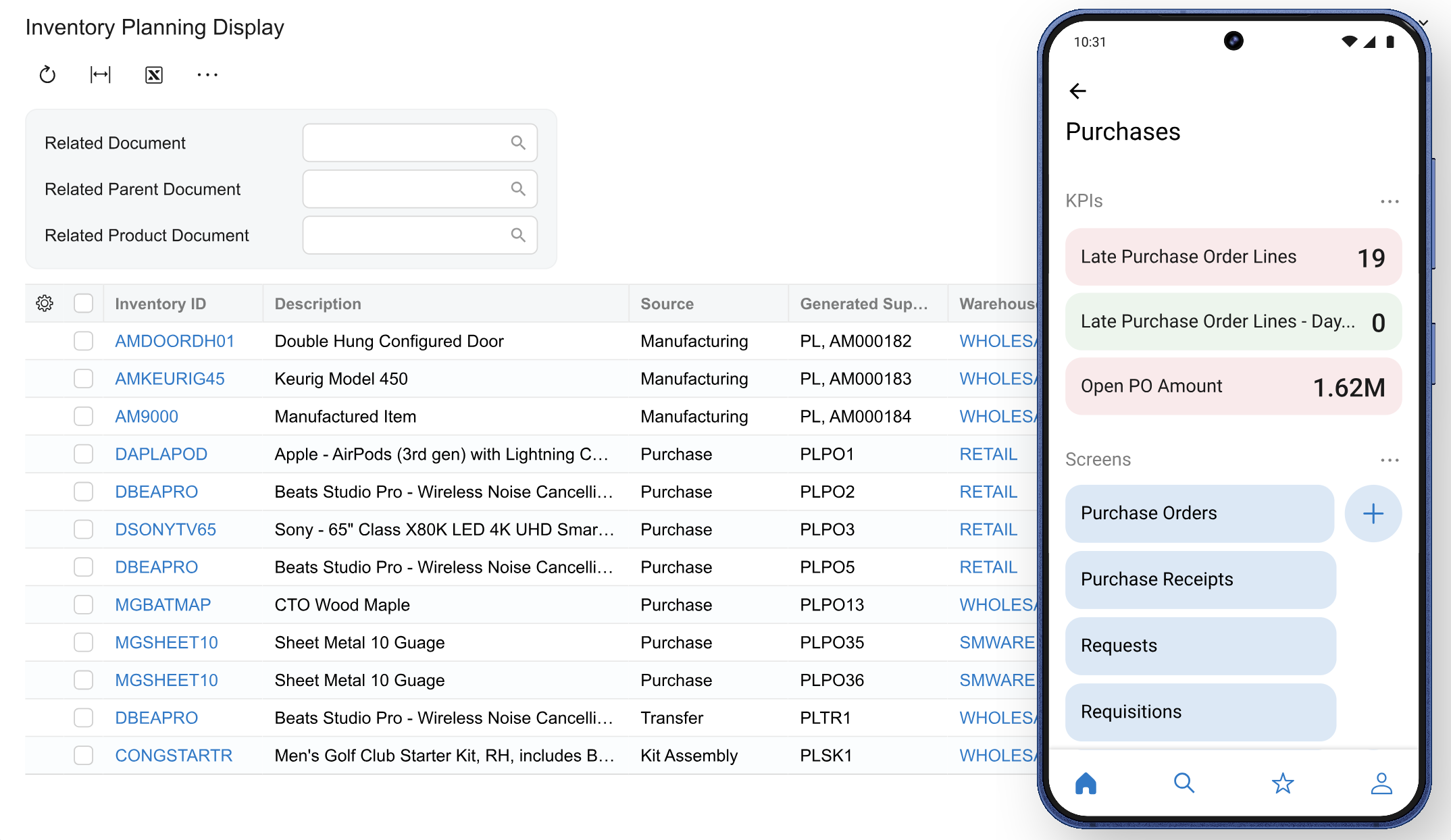
You can track in-transit ocean and land containers down to the individual SKU. When a container is received, landed costs are spread across the items by weight, volume or value.
That gives you a clearer view of what imported stock really costs, and of what’s still on the water.
Matrix items
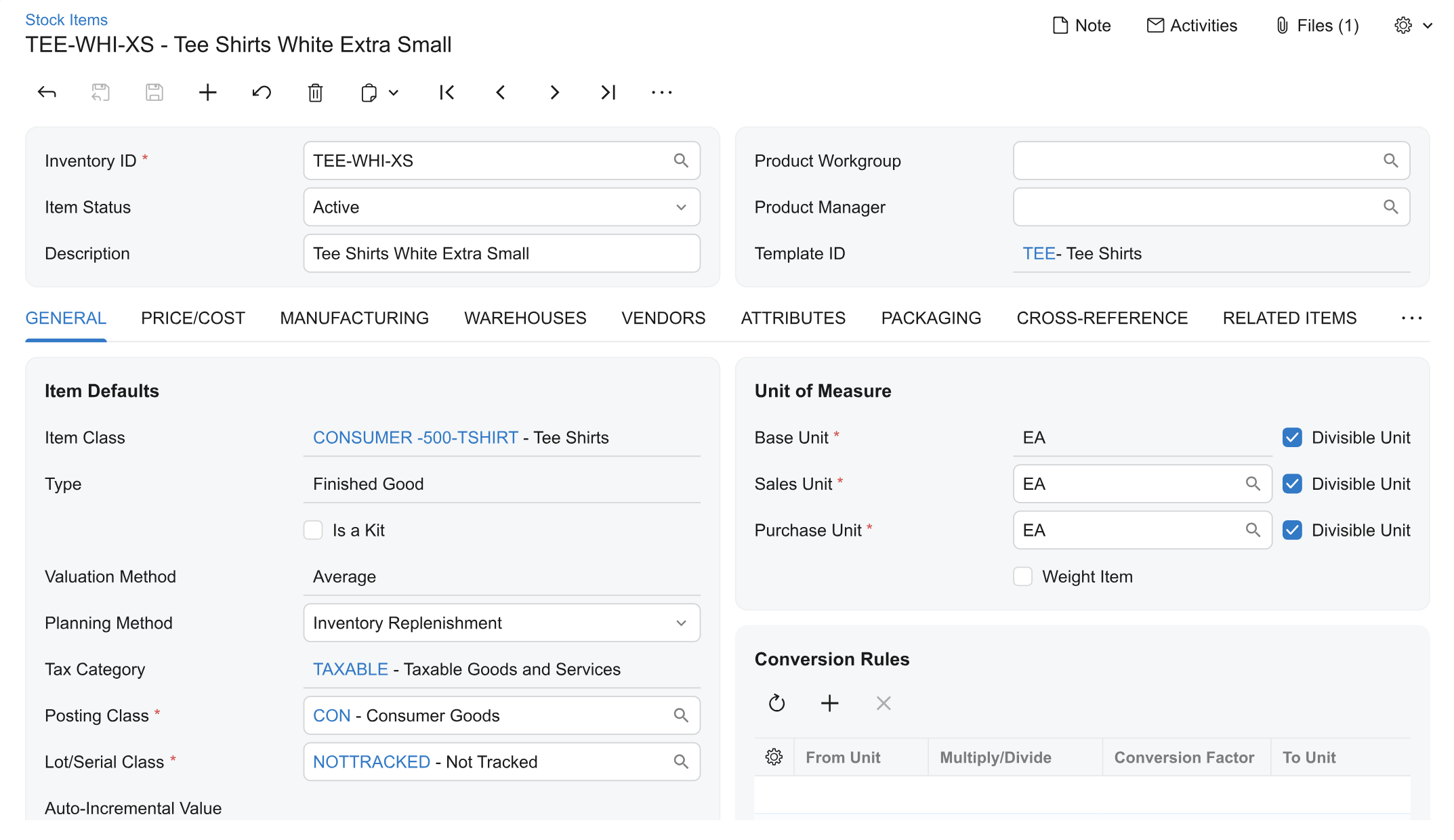
For items that come in sizes, colours, materials or styles, a high-density grid speeds up creating variants and entering orders for them.
You can also update prices and attributes across a whole variant family in one operation, instead of item by item.
AI for sales and inventory
The AI Assistant handles harder business questions in 2026 R2, and it works inside the order and inventory screens. Your team asks in plain language and gets an answer from live data.
For example, a sales rep can ask which warehouse can fulfil 500 units of an item by next Friday. Or which in-stock item could replace one that has run out.
The assistant answers from your data, so it’s only as good as that data. Clean item records, correct dates and consistent customer details matter more once anyone can ask questions about them.
AI agents that act on events are further out. Acumatica describes them as its direction, not a feature you can switch on today. We explain what ships now and what comes next in the main article.
If you sell online too
Two connectors changed. Returns on Shopify orders, including returns with exchange items, are now managed in Acumatica. And BigCommerce B2B company records sync in both directions.
What it means for your sales desk, warehouse and purchasing
Sales desk. ATP dates and line availability mean reps can quote a ship date without a manual stock check.
Warehouse. Picking strategies, quantity entry and Clear Picker let you set up picking around your zones and your people.
Purchasing. Vendor approvals add a check before a new or changed vendor can be used. The replenishment methods give planners more ways to set buffer and reorder points.
What to weigh up
ATP is only as good as its inputs. Lead times, purchase order dates and calendars feed it. If they’re wrong, the dates will be too.
Decide who can override a promised date. Agree how the reason is recorded before go-live.
Picking strategies need setup first. Handling units and zones have to be defined before demand can be split across them.
Forced quantity entry adds a step. Use it where accuracy matters most.
Test your devices. Try scanners, label printers and carrier services on your real network before you rely on them.
Check your carriers. EasyPost and Pacejet are named in the release. Confirm the ones you use are supported where you ship.
Key takeaways
Available-to-promise gives you dates you can keep. It looks ahead at supply and demand, can hold safety stock back, and shows on the order line.
Picking fits how your stock moves. Handling units, zones, quantity entry, paperless picking and Clear Picker give you more ways to set it up.
Shipping and purchasing get more control. The cheapest carrier service comes first, addresses can be checked and vendors can be approved. Orders can also be routed across warehouses by proximity, stock level or cost.
Replenishment is planned in finer steps. MRP and DRP plan safety stock and reorder points separately. Reorder points can also follow sales speed and seasonality.
The AI Assistant answers sales and inventory questions. Your team asks in plain language and gets an answer from live data.
Thinking about moving to 2026 R2?
Start with our guide, Upgrading to Acumatica 2026 R2: what you gain and what to check first. It covers what has changed, the Classic UI retirement and what to look at before you move.
Then, if you want to talk it through:
AcuPower customers
Book a Call – UK, Europe & South Africa
Acumatica partners short on capacity
Book a Call – UK, Europe & South Africa
If you use Acumatica through another partner, ask them about upgrading to 2026 R2.
Comments (0)
No comments yet
Be the first to comment


 82
82